

The Discovery
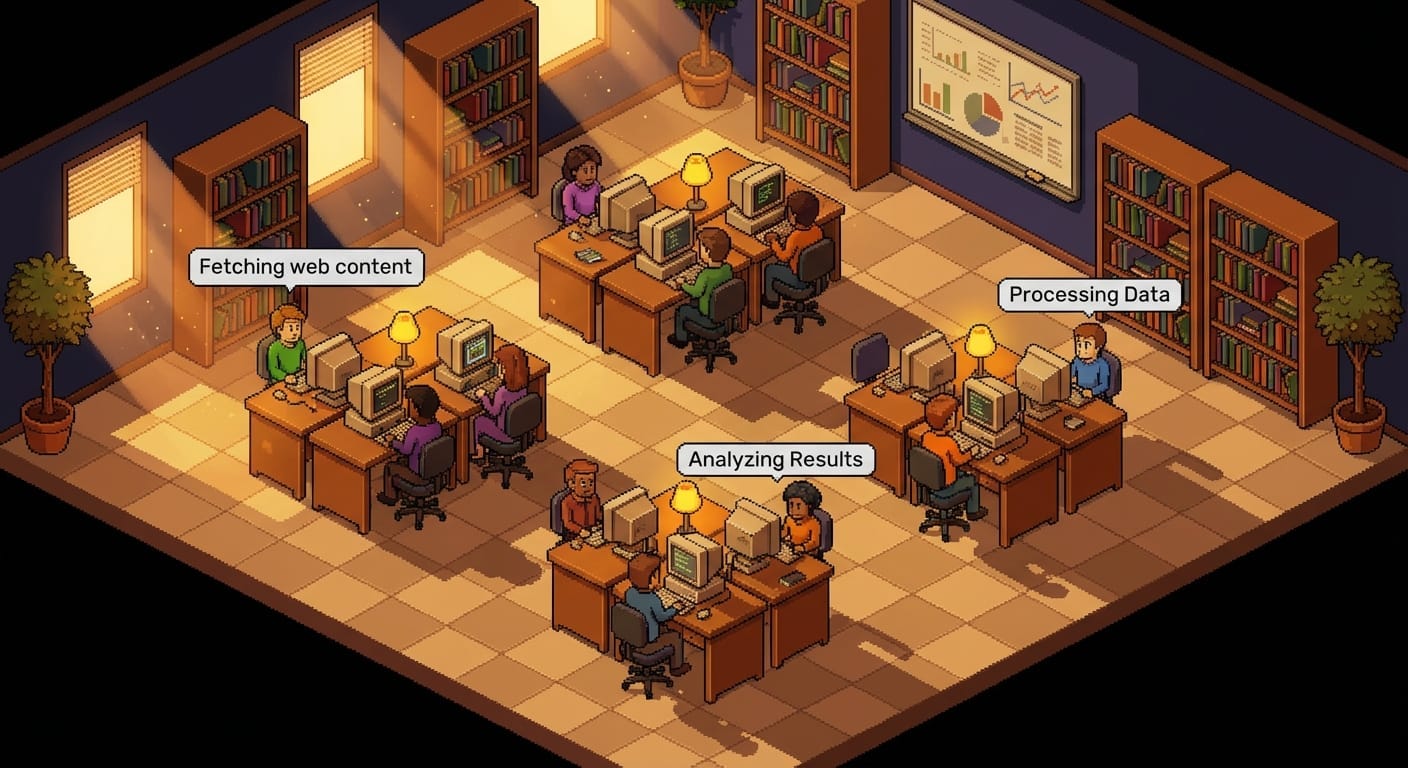
Pablo de Lucca built a VS Code extension that turns your Claude Code agents into animated pixel art characters. Each terminal spawns a little person who sits at a desk, types when the agent writes code, reads when it searches files, and walks around the office when it’s idle. Permission needed? A speech bubble pops up.
It’s adorable. It’s also genuinely useful. But I don’t use VS Code.
How It Actually Works
Here’s the beautiful part — the entire thing is stupidly simple under the hood.
Claude Code writes everything it does to .jsonl files in ~/.claude/projects/. Every tool call, every response, every turn completion — it’s all there as JSON lines. The extension just watches those files and translates events into character animations:
tool_usewithEditorBash→ character types at their desktool_usewithReadorGrep→ character reads (different animation!)turn_durationsystem event → turn is done, character stands up and wanders7 seconds of silence after a tool call → permission bubble appears
That’s it. File watching + event parsing + pixel art. No magic.
Ripping It Out of VS Code
I wanted this running in a browser. Two files. No dependencies.
server.ts — A Bun server (~100 lines that matter) that watches ~/.claude/projects/ for .jsonl files, parses transcript lines, and broadcasts events over WebSocket.
index.html — A self-contained Canvas 2D client with all the sprites hardcoded as 2D arrays of hex colors. Characters walk using BFS pathfinding. Furniture is rendered with z-sorting. New agents spawn with a Matrix-style digital rain effect because why not?
The whole thing:
cd pixel-agents
bun run dev
# opens http://localhost:4242
Start Claude Code anywhere — Ghostty, iTerm, bare terminal, SSH session — a new character walks into the office and sits down at a free desk.
What You’re Actually Looking At
A 20×11 tile office with two rooms, desks, chairs, bookshelves, a water cooler, and plants. Six character palettes so each session gets a distinct look. When you have three agents running in parallel, you see three characters — two typing furiously, one getting up for a walk because it just finished its turn and is waiting for you to type something.
The permission bubble is the killer feature. Instead of alt-tabbing through terminals to find which agent is stuck, you glance at the pixel office. The one with the amber “...” bubble needs your attention. Done.
Try It Yourself
Clone or create two files from the pixel-agents standalone
Have Bun installed
bun run server.tsOpen
localhost:4242Start a Claude Code session anywhere
Or just feed this article to your Claude Code — it'll do everything!
The original VS Code extension by Pablo is excellent if you’re in VS Code. But if you’re a terminal person, like me, — this standalone version is the way.
Two files. Zero dependencies. Infinite charm.
WOW fun level) tnx!