

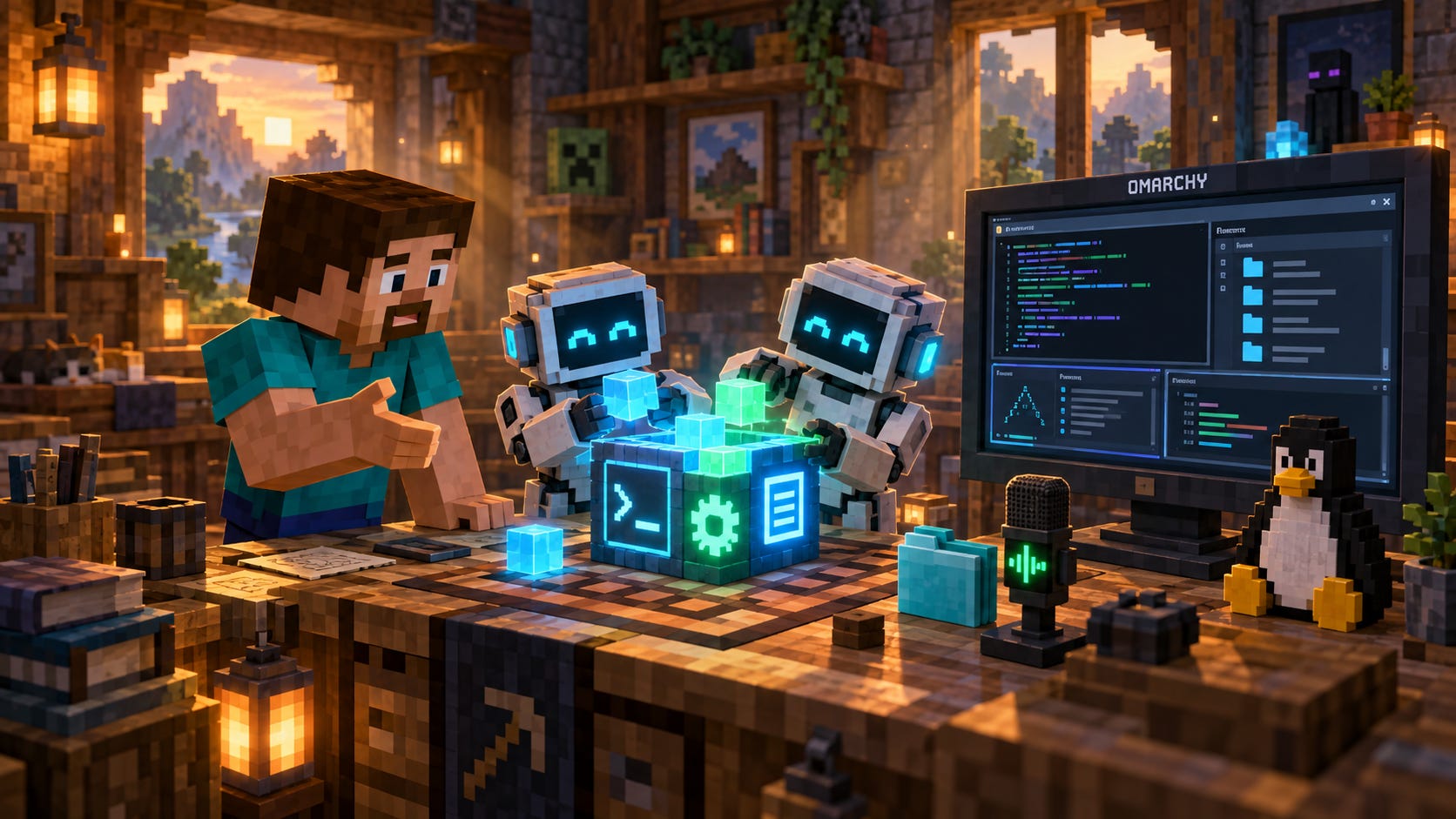
I’ve moved completely to Omarchy, a Linux system built around the idea that agents should help you shape your computer. It gives me a coherent desktop, sensible defaults and plugins I can change. Much of what controls my workspace lives in readable text: settings, shortcuts, scripts and plugin code. Claude Code, Codex and the local models I use can work directly with that material. I describe a change, try it, and ask for another adjustment. I can inspect what the agent changed.
That has changed my relationship with utilities. A small annoyance used to send me shopping for an app, comparing subscriptions or browsing a bundle like Setapp. Now I explain what I want in plain language. The tools I needed took minutes or hours to build. I can keep them to myself or share them. Both are perfectly good outcomes.
Icons in the Menu Bar: Fixed
Forty minutes after showing my agent Bartender’s website, I had my own take on it running on Linux. The problem was familiar from my Mac: too many icons crowding the top bar. My version, Omafold folds them into a drawer. I choose what stays visible and reveal the rest with a hover, click, or shortcut. I use it every day. Other people have installed it too.
Creepy Mac on Siri: Fixed
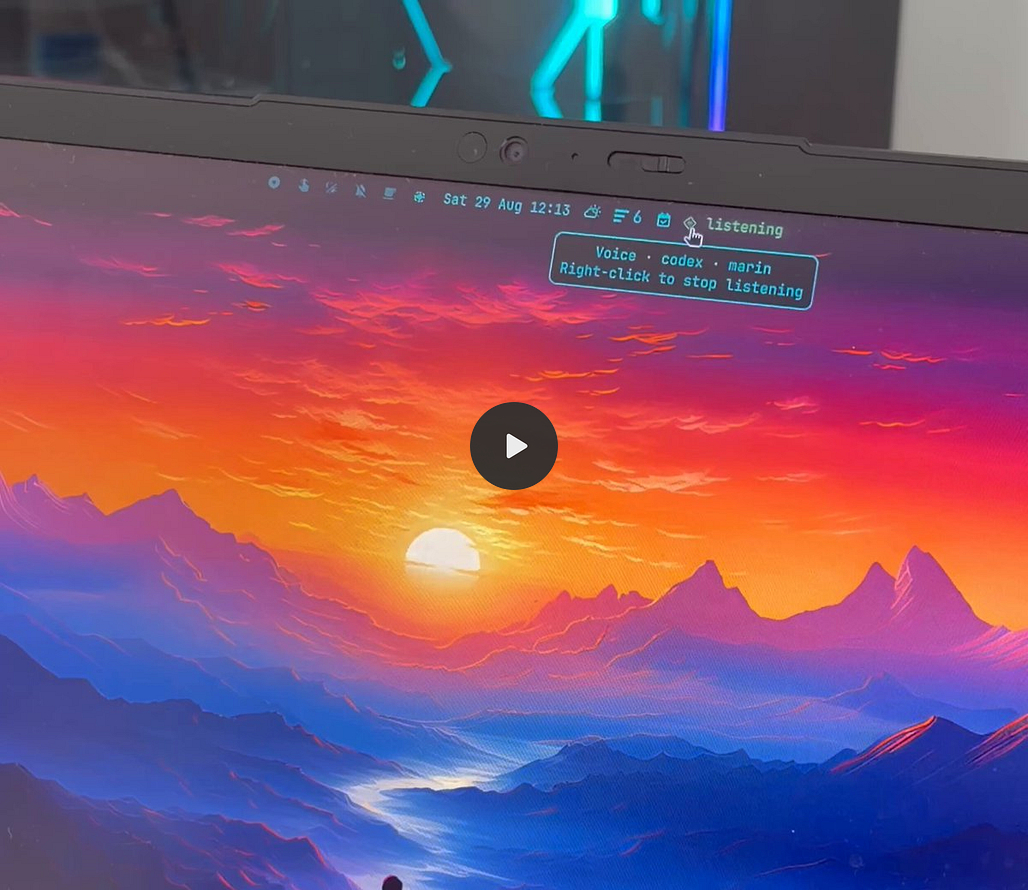
Then I wanted a voice assistant. I was tired of waiting for the Siri I wanted: the computer from a science-fiction film, where you talk normally and it can follow the conversation, DO work actually. So I built omaVoice. I speak, interrupt, ask follow-up questions, and get spoken replies. OpenAI’s Realtime API handles the voice; Codex handles the work behind the conversation, searching the web or finding answers in my files. It feels like my own small Jarvis. I get to decide how it fits into my day.

Know Your Spendings: Fixed
Of course, I still pay for the models I use. Cloud inference has a bill. That led to Omacash, which took about twenty minutes to build. It puts my remaining OpenRouter and Vercel AI Gateway balances, plus ElevenLabs credits, into one bar widget and warns me when they run low. I built a utility to watch the cost of the services behind my utilities. The utility itself adds no subscription.


Work Calls, Summaries, Agent Search and Context: Fixed
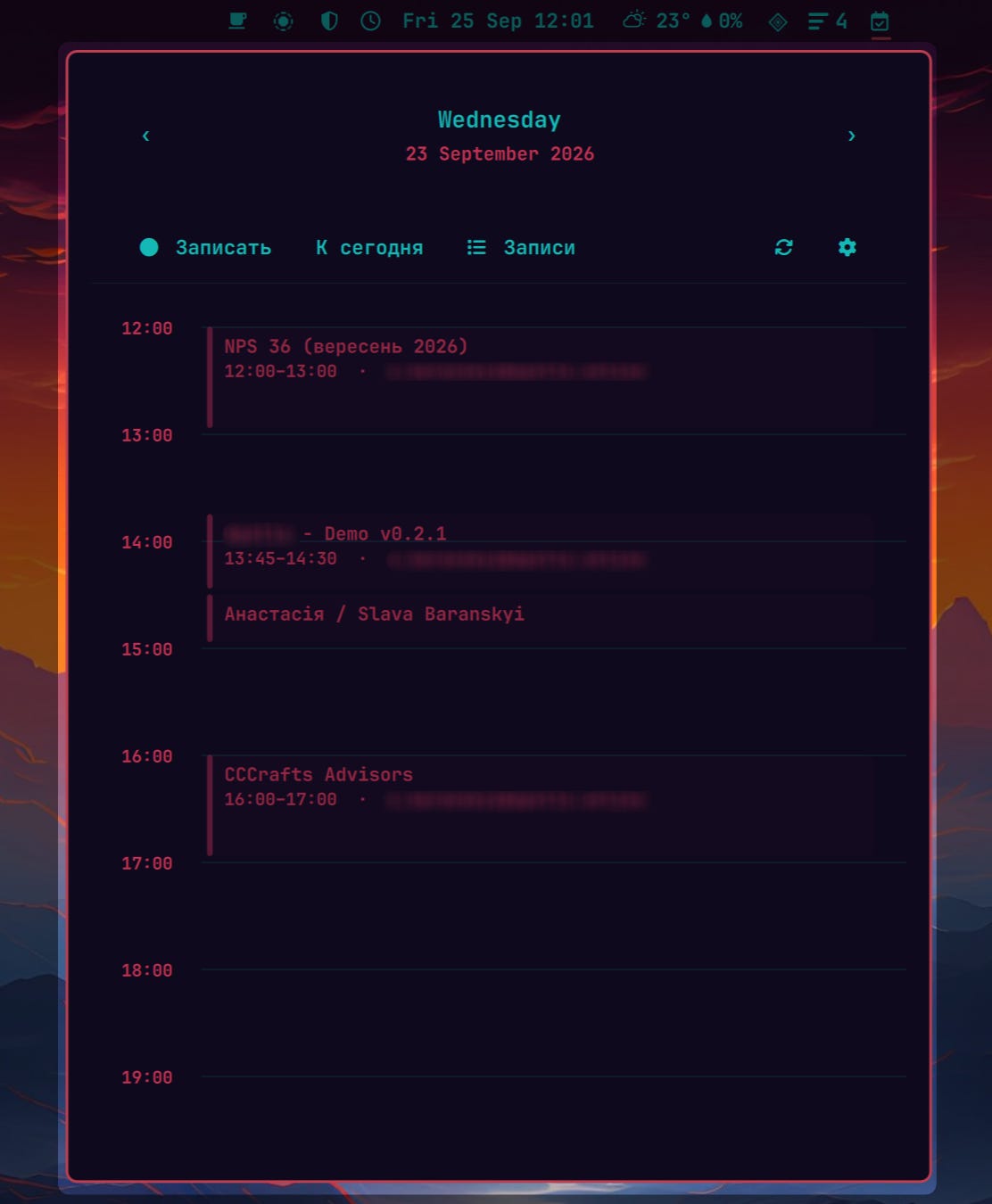
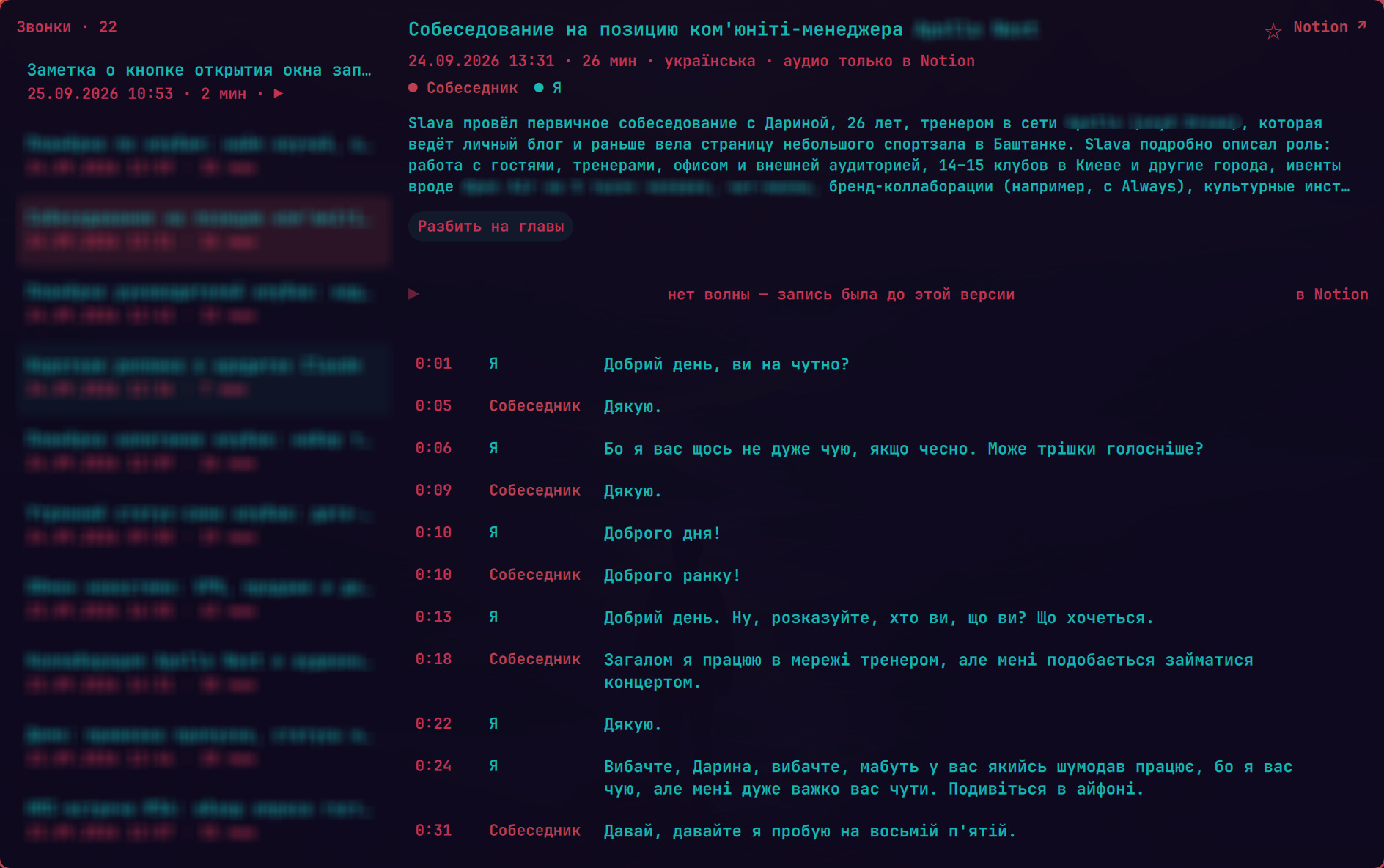
An open-source calendar plugin gave me another starting point. Seeing meetings in the bar was useful; joining and recording them from there would be better. I added that workflow for Google Meet. My local recorder uses NVIDIA Parakeet for transcription and can generate summaries locally, then upload the audio and notes to Notion through its API. Notion becomes the place I keep the results. I don’t need its meeting AI feature, or a separate Granola, Bluedot or Circleback subscription for this workflow. This took about an hour. It is tailored to me, so I kept it private.
VPN and Windows Access: Fixed
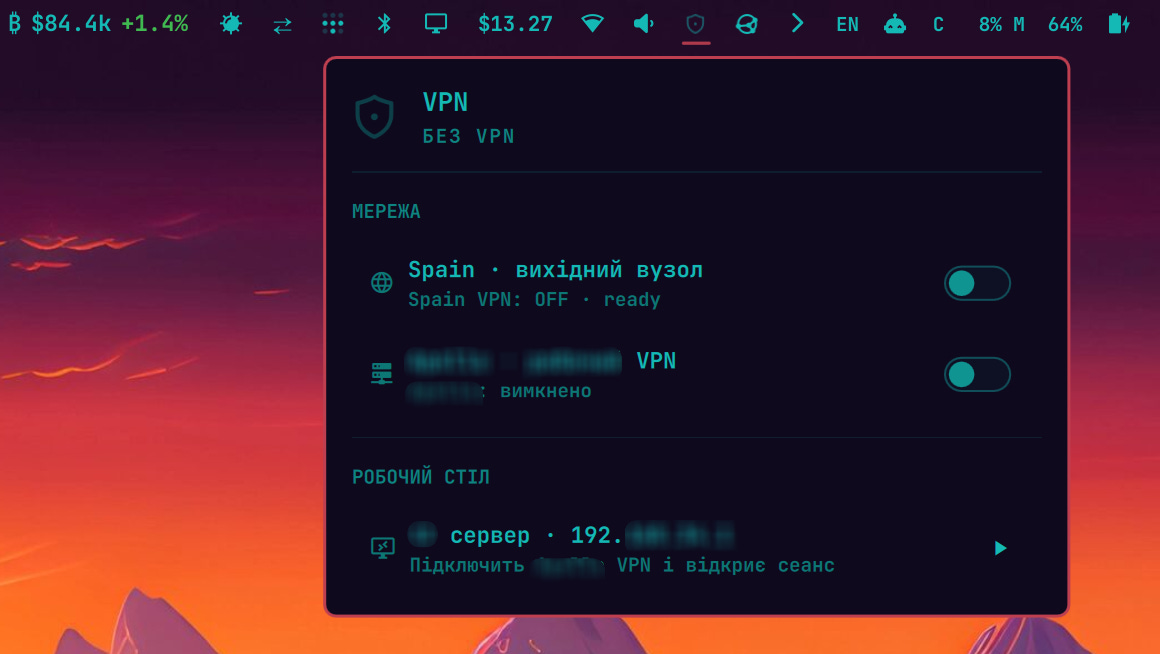
I split my life between Spain and the UAE, with small computers in both countries connected through Tailscale. Some sites work in one country and fail in the other. My own machines give me an alternative route out to the internet. I built a menu for my Spain connection, then added my corporate OpenVPN connection and Windows remote desktop. It switches the tunnel and opens the work desktop from the same place. On my Mac, this meant juggling a VPN app, OpenVPN and Windows App. About half an hour gave me one interface for the job. The personal route uses my own exit node, without a commercial VPN subscription and data sharing trust issue.
Keyboard Only File Manager: Fixed
My biggest project was QuickFile. Omarchy is built for the keyboard, and I wanted a file manager that matched the way I work. Super+B opens a panel on the left; my other windows move aside. Files, favorites, running agent sessions and their instruction files are together. I can create, delete and navigate with shortcuts I chose. It also follows whichever desktop theme I am using.
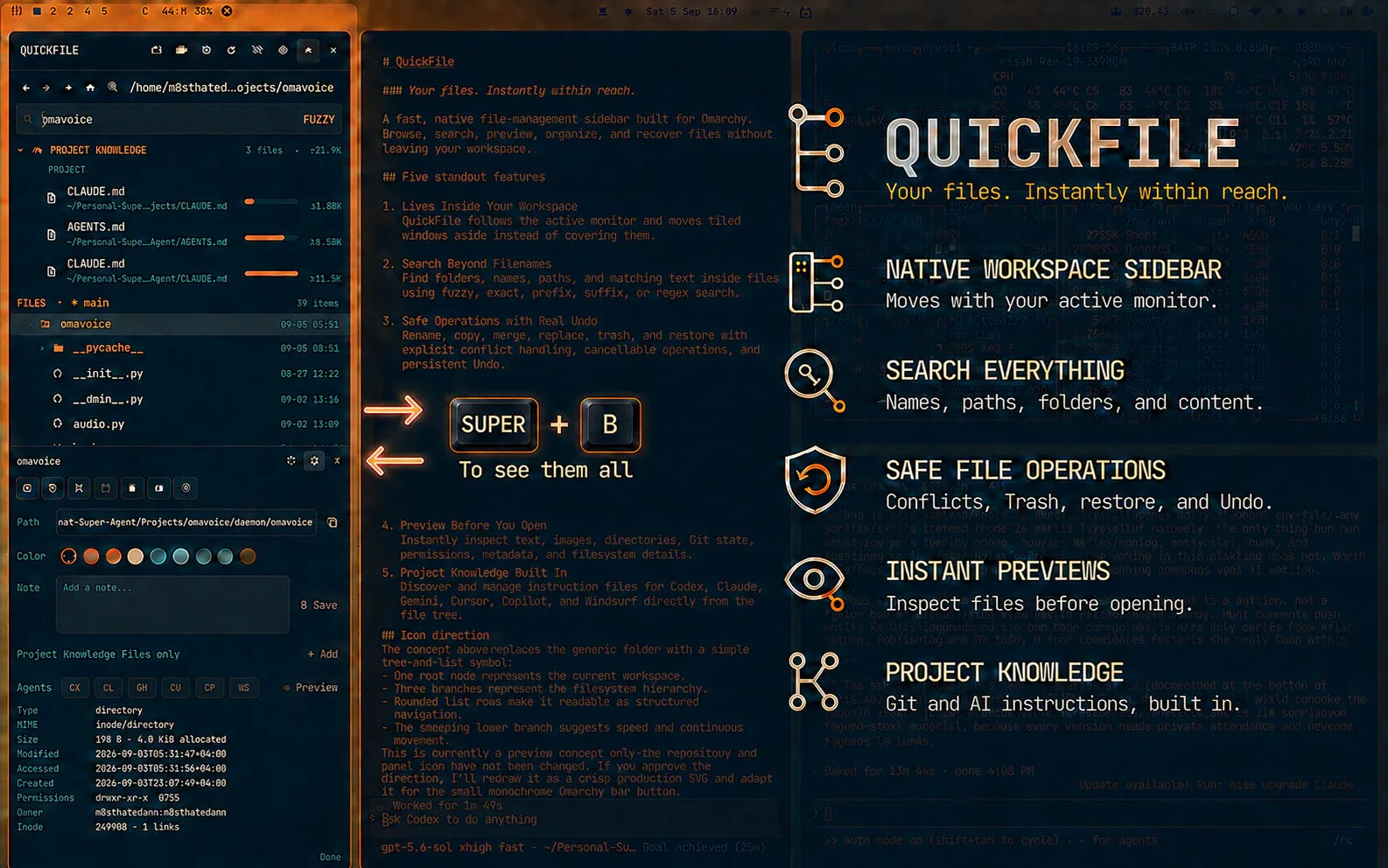
For search, I describe what I need in English, Russian or Ukrainian. A small local model called Laya helps interpret the request, including whether I mean a filename, file contents or a time period. I spend less time remembering folder paths. QuickFile took several hours, and I keep improving it. Other Omarchy users can install it too. When I want a different shortcut or behavior, I can ask my agent to change it that afternoon.
Conclusions
The economics change when the audience is one. I don’t need an onboarding flow, a pricing page or a roadmap broad enough to attract investors. The application needs to solve my problem, on my machine. If it does that, it has already earned its place. Sharing can come later, if it helps someone.
Open source makes this even more interesting. I can give an agent a repository and explain which parts I want to keep and which I want to change. A calendar becomes my meeting recorder. Someone else’s useful idea becomes the starting point for my own workflow. One application can branch into thousands of personal versions, each shaped around the person using it.
That is what moving to Omarchy has given me: a computer I can keep reshaping. I still use other people’s software, and I still pay for useful services. But fewer small problems send me looking for another product to buy. More often, I describe the tool I wish existed and start building it.