

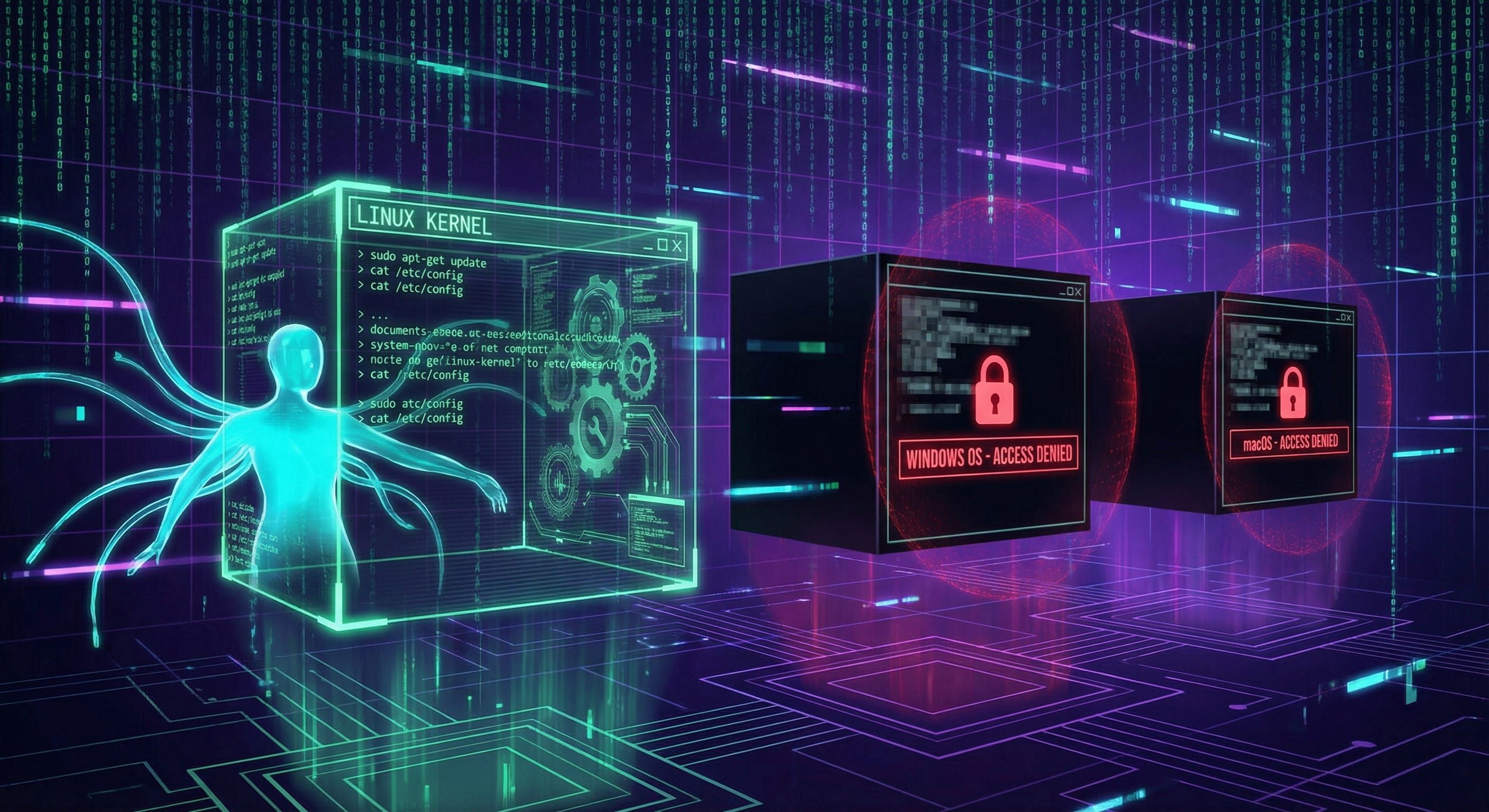
Linux isn’t just “good for developers.” It’s fundamentally transparent. Everything is a text file. Every config is readable. Every service can be controlled from the terminal. And that transparency makes AI assistance dramatically more effective.
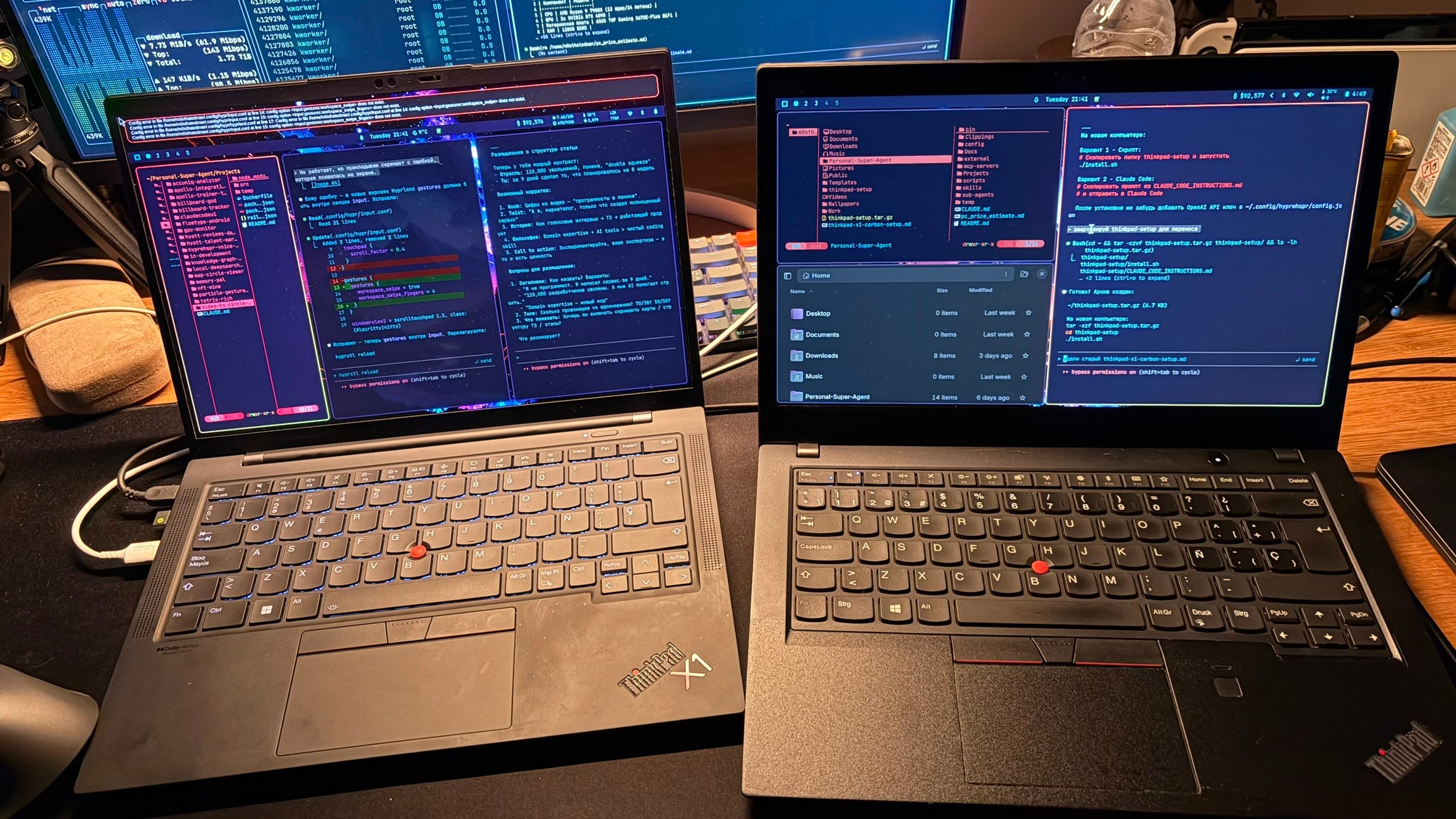
Here’s what I mean. With real examples.
The Core Problem: Black Boxes vs. Open Books
Think about it. When something breaks on Windows, what do you do? You Google the error message. You find a forum post from 2019. Someone says, “Try this registry hack.” You paste it. Maybe it works. Maybe it doesn’t. You have no idea why.
Linux works differently. Configs are text files in predictable locations. Services write logs to readable journals. When something breaks, you can actually see what’s happening.
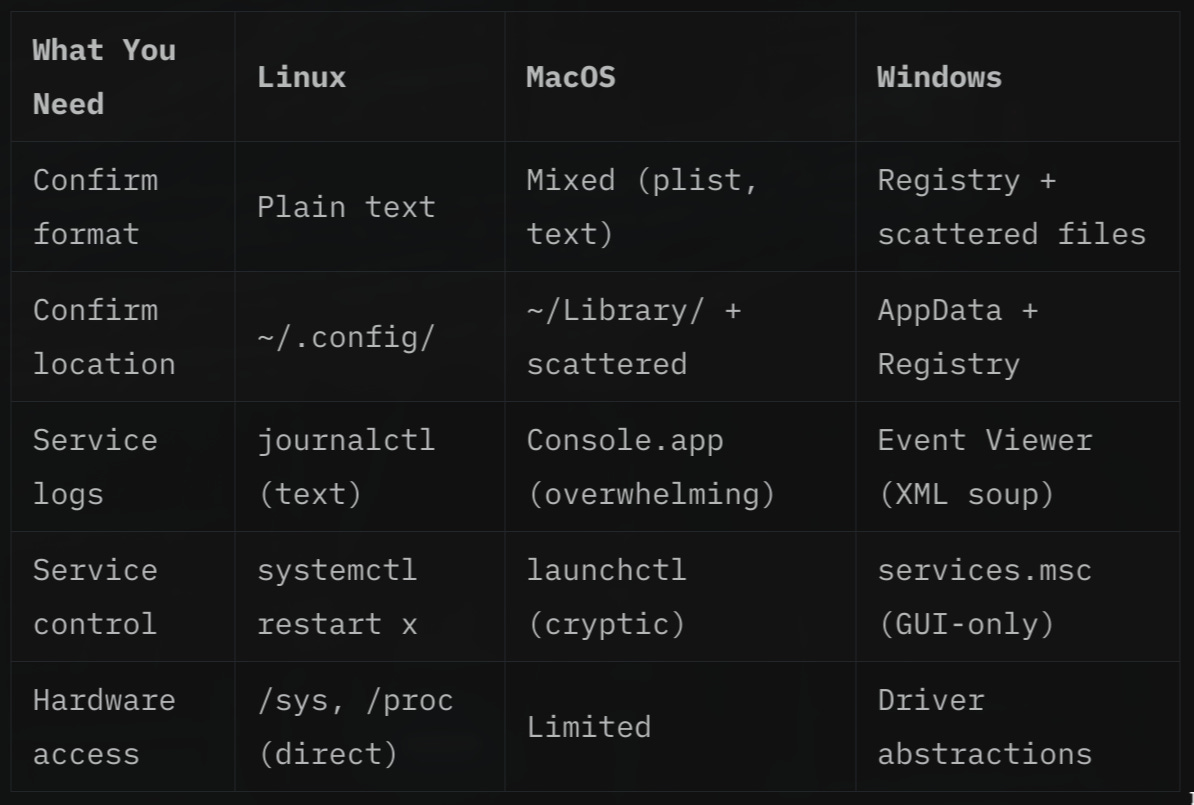
Sound familiar? You know what doesn’t work. But you have no idea why.
Real Example 1: The Missing On-Screen Display
Yesterday, my volume keys stopped showing the OSD pop-up. No visual feedback when changing volume or pausing Spotify. Just silence.
On Linux (my setup with Hyprland):
I asked Claude Code to check it. It ran pgrep swayosd. Nothing. The OSD server wasn’t running. Claude checked my autostart config. The line was missing. It added one line to ~/.config/hypr/autostart.conf:
exec-once = uwsm-app -- swayosd-serverStarted the service. Done. Two minutes. I could read exactly what changed.
On Windows:
Where would you even start? Check if “Volume OSD” is disabled somewhere in Settings? Registry edit? Is the HID service running? Audio driver reinstall? The diagnostic path is unclear. Solutions involve blind registry hacks from random forums. You can’t see what’s actually happening under the hood.
On MacOS:
Volume OSD is baked into the system. If it breaks, your options are: restart, reset NVRAM, or reinstall macOS. There’s no config file to check. No service to restart. Just hope.
Real Example 2: Custom Voice Input Shortcut
I wanted Ctrl+Space to trigger voice dictation using my custom script through OpenAI voice recognition service.
On Linux:
Added one line to my keybindings config (Claude Code did it actually):
bindd = CONTROL, SPACE, Voice dictation, exec, ~/.local/bin/hyprwhspr-toggle.shSaved. Worked immediately. Hyprland auto-reloads on save.
On Windows:
You’d need AutoHotkey (third-party install). Or dig into Task Scheduler with COM objects. Or use PowerToys (another install). The shortcut definition lives somewhere in the app’s own config. Or Windows registry. Or both.
On macOS:
System Preferences. Keyboard. Shortcuts. App Shortcuts. GUI-only. Want to script it? Write AppleScript or use Automator. Good luck debugging either.
Real Example 3: Debugging a Silent Startup Failure
An app I added to autostart just... didn’t start. No error. No message. Nothing.
On Linux:
journalctl --user -xeEvery application’s output goes to the system journal. Text. Searchable. Filterable by time or app name. Found the error in 30 seconds.
On Windows:
Open Event Viewer. Navigate a tree of categories. Find Application logs. Scroll through XML-formatted entries mixed with system noise. Half the errors say “see vendor documentation.” The other half are irrelevant system events.
On MacOS:
Console.app exists, but it’s overwhelming. Most apps log to different locations. Finding why something failed means googling the app name plus “not starting” and hoping someone had the same issue.
Why This Matters for AI Assistants
Here’s the thing. When I ask Claude Code to fix something on Linux, it can:
Read the relevant config files directly
Understand the structure (it’s documented, text-based)
Make surgical changes
Verify the fix worked
On Windows or MacOS, the same request hits a wall. Binary formats. GUI-only settings. Undocumented registry keys. APIs that require specific tools.
The AI can help you with any system. But Linux makes it 10x more effective. Because the system is legible. The AI can read the same files you can. It can understand what’s happening. It can fix things precisely instead of guessing.
The Bottom Line
I didn’t switch to Linux because it’s “better.” I switched because it’s honest.
Every config is readable. Every service is controllable. Every behavior is documented somewhere in a text file.
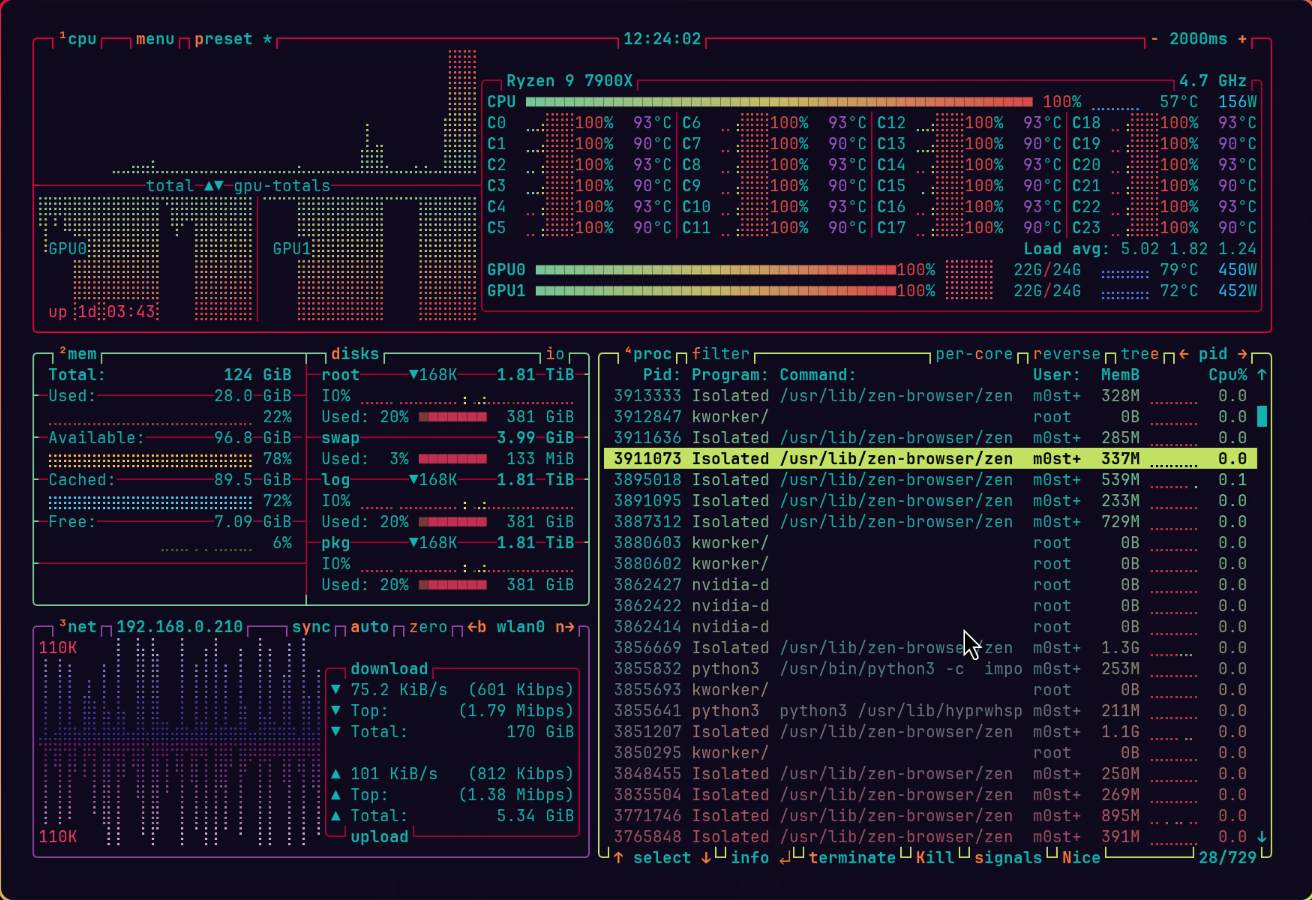
When something breaks, I don’t restart and hope. I investigate. I find the cause. I fix it. Often, with AI assistance that can read the same files I can.
That’s not a feature of Linux being “for power users.” That’s a feature of Linux being transparent about what it’s doing.
Windows hide everything behind abstractions. MacOS locks you out of your own system. Linux shows you the gears.
Which one do you want your AI assistant working with?
I write about AI, productivity, and building products without traditional development teams at Restless Brain. If you want to discuss, challenge, or just ask questions, reply to this email. I read every single one.