

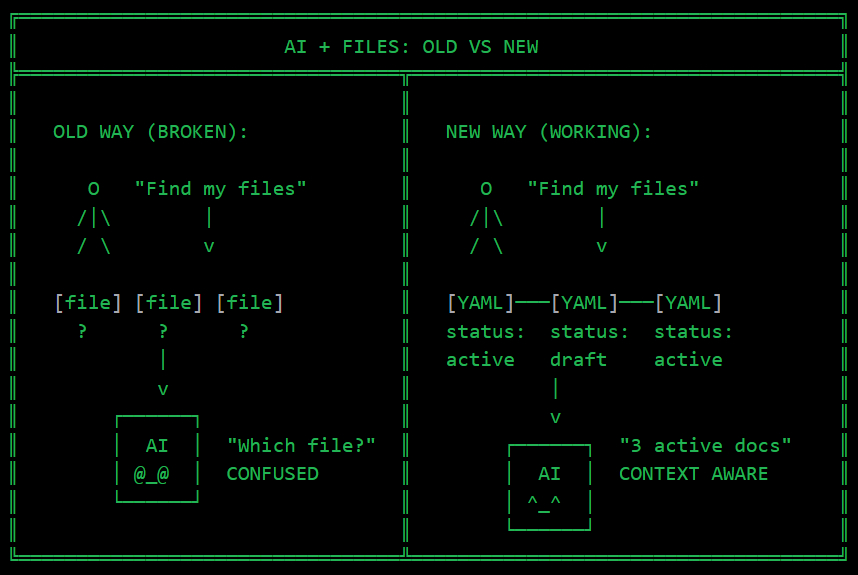
You’ve got 500 markdown files. Meeting notes. Research. Business docs. Health records. Random ideas at 2 am.
You ask Claude to “summarize my competitor research.” It finds one file. Misses the other four. Cites an outdated draft as if it’s gospel.
Sound familiar?
I spent months blaming prompts. Tried a longer context. More specific instructions. Nothing worked consistently.
Then I realized: the problem isn’t the AI. It’s the files.
The Invisible Problem
AI assistants read files one at a time. They see content. Not context.
Your folder structure? Invisible to the model. Your naming conventions? Just strings. The fact that three documents are part of the same analysis? Nobody told the AI that.
My files had dates in filenames. Categories in folders. But none of this was machine-readable. The AI was basically blind.
The Fix: 10 Lines Per File
Every markdown file can start with this:
---
title: Icon AI Competitor Analysis
created: 2025-12-05
modified: 2025-12-08
category: competitors
status: active
related:
  - competitive-landscape-summary
  - cometly-analysis
tags: [martech, attribution]
---
That’s YAML frontmatter. Takes 30 seconds to add. Changes everything.
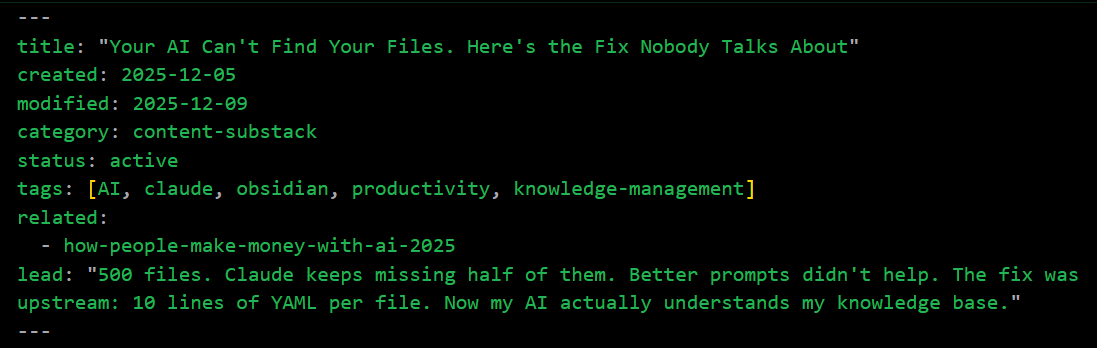
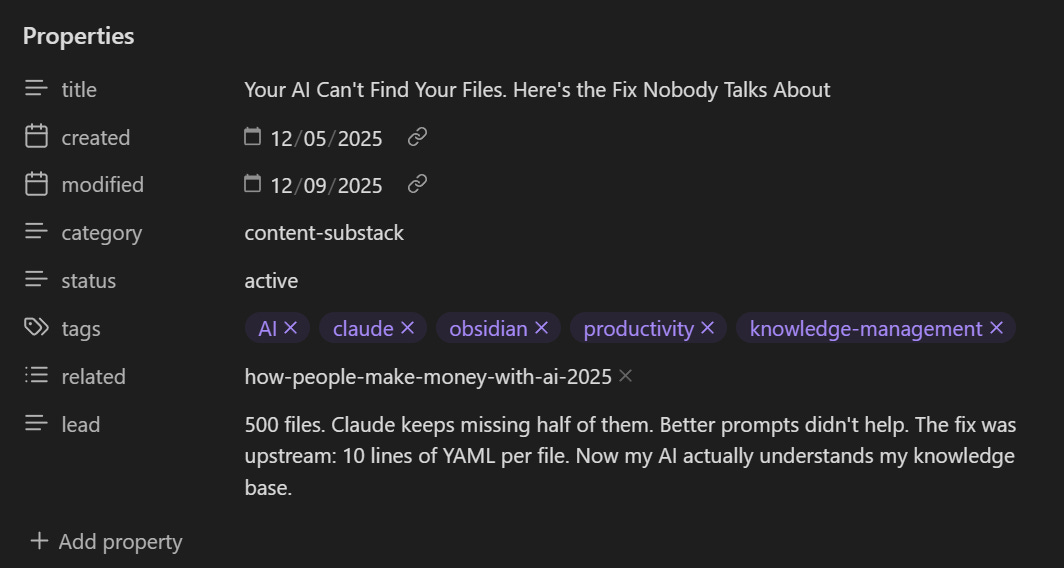
Now, when I ask Claude about competitors, he reads the related field. Pulls connected documents automatically. Sees status: draft and knows not to cite unfinished work. The modified date tells which analysis is current.
The AI didn’t get smarter. The files did.
Two Layers That Work Together
Frontmatter handles file-level data. But how does Claude know what to do with it?
I drop CLAUDE.md files in key folders. Navigation instructions:
## Competitor Analysis Rules
- Check `status` field before citing
- Read all `related` documents for context
- Files with `status: archived` are historical only
Layer one: structured data in files. Layer two: behavioral rules in CLAUDE.md.
Together? The AI finally understands my knowledge base.
The Obsidian Bonus
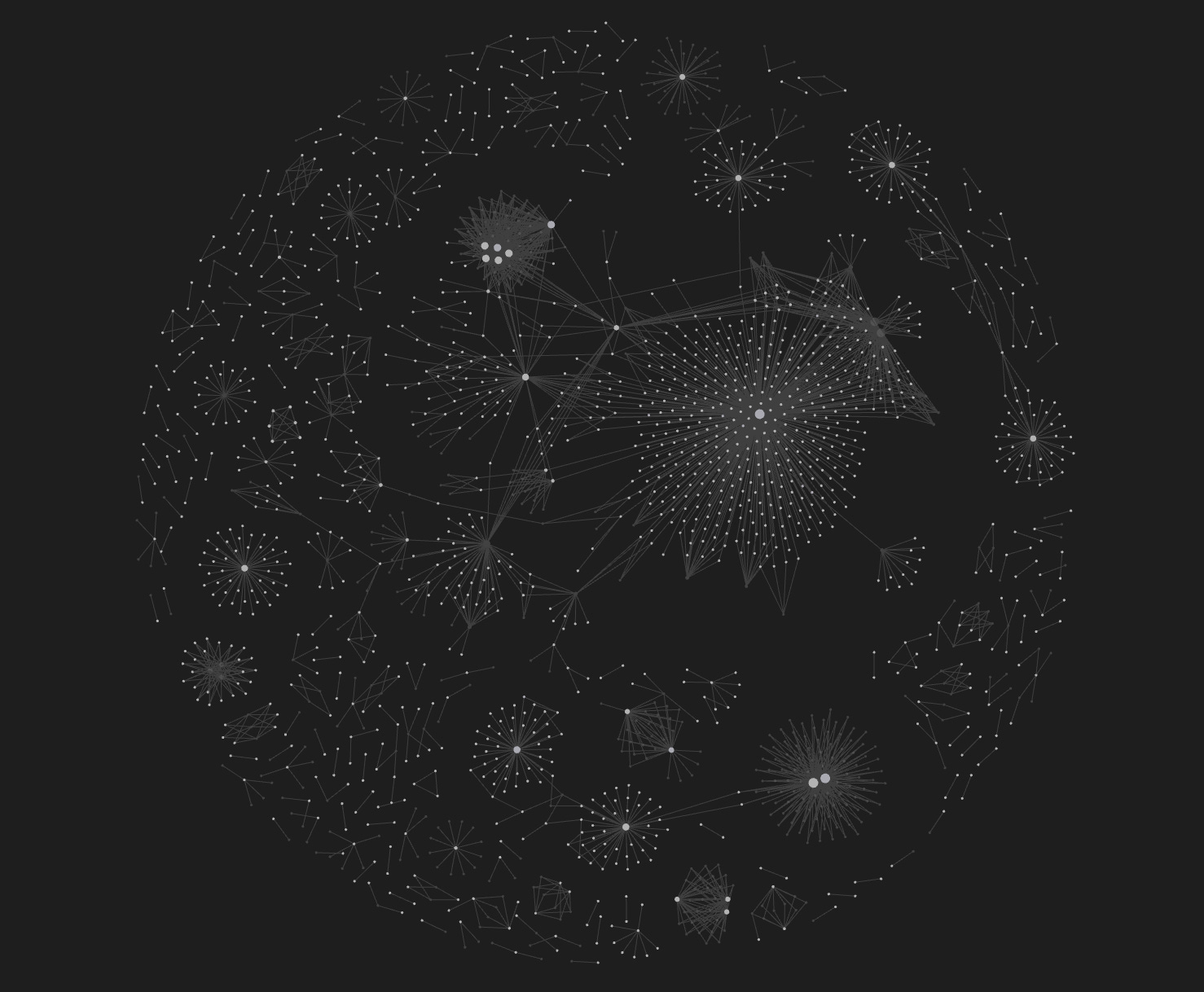
Here’s what I didn’t expect. Obsidian reads the same YAML frontmatter—Open Graph View. Suddenly, you see clusters of connected documents. Orphan files with no relationships. The actual structure of your knowledge, not folder hierarchies.
The Dataview plugin goes further. Query your vault like a database:
TABLE title, modified, status
FROM “Docs/Research”
WHERE status = “active”
SORT modified DESC
Your AI and your note app read the same metadata. One source of truth.
Making It Automatic
Add this to your project’s CLAUDE.md:
When creating ANY .md file, include YAML frontmatter:
- title, created, modified
- category, status, tags
- related files list
Claude Code follows these instructions for every file it creates. I wrote a Python script that added front matter to 180 files in a single run—consistency without manual effort.
Before vs After
Without frontmatter:
“Which competitor analysis?” (I have 12)
Cites outdated draft as current
Misses related documents
No way to filter by status or date
With frontmatter:
Pulls all connected docs from
relatedIgnores drafts and archived files
Knows document age from
modifiedQueries like “show active research from last month” actually work
The difference isn’t subtle. It’s the difference between an AI that reads files and one that understands them.
The Real Point
Everyone obsesses over prompt engineering. “Ask it the right way.” Longer context windows. Better models.
But the leverage is upstream, in how you structure information before the AI ever sees it.
Metadata isn’t overhead. It’s context. And context is what transforms an AI from a search engine into an actual assistant.
Your files already contain relationships, statuses, and timelines. YAML frontmatter just makes them explicit. Machine-readable. Actionable.
The best prompt is the one you never have to write.
good catch. that's how a rag with semantic chunking is supposed to work