

Last month, I was sitting at my desk, staring at yet another incomplete research report from my AI assistant. You know that feeling when you ask an AI to do something complex — like “research the blockchain gaming market, build a financial model, and write an investment report” — and it just... fails halfway through?
I’d been there too many times.
The AI would start strong, gather some data, then either lose the thread or provide me with something so generic that it was useless. And I’d end up doing most of the work myself anyway, which kind of defeats the purpose of having an AI assistant in the first place.
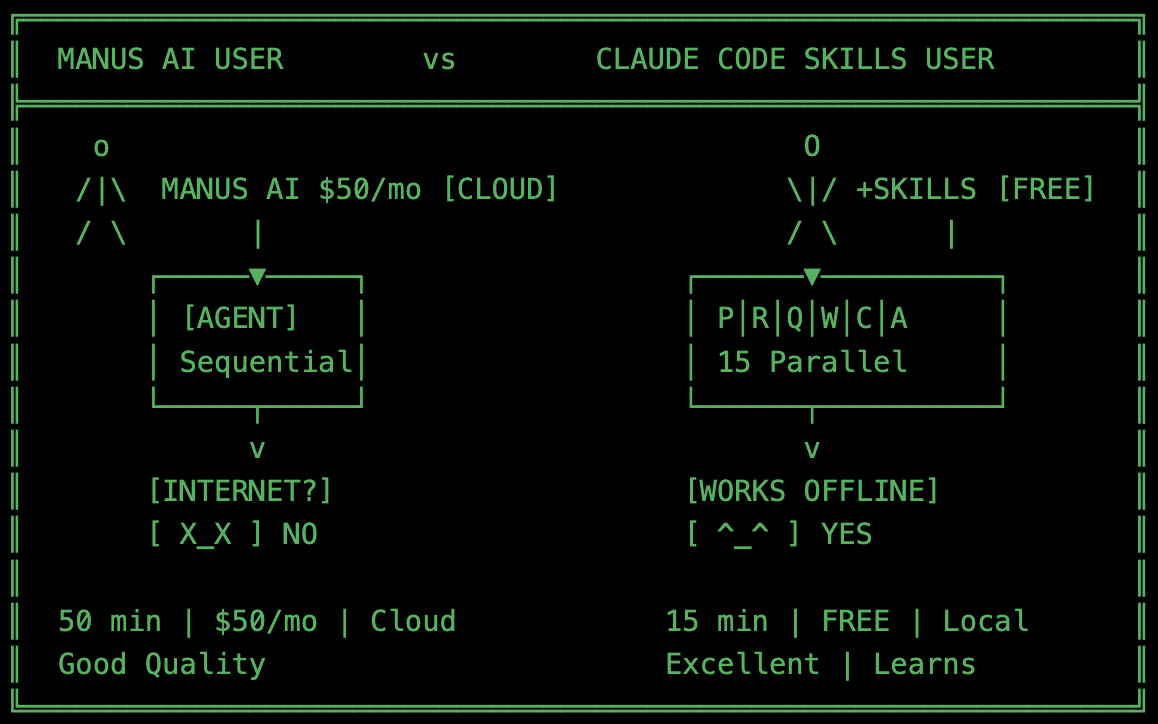
Then I discovered Manus AI (try it by this link, you’ll get more credits). It was absolutely awesome. It was like – OMG/FML/How can this be?
What is Manus? Manus AI is a cloud-based AI agent system that works like a project manager coordinating a team of specialists. Instead of one AI trying to handle everything, it breaks complex tasks into pieces, delegates them to specialized agents, monitors progress, and delivers polished results. Think of it as the difference between hiring one person to do marketing, sales, and engineering versus building an actual team — Manus orchestrates multiple AI agents that each excel at specific jobs like research, coding, quality checking, and content creation. The catch: it runs in the cloud and costs money, which is why I wanted to replicate it locally in Claude Code or Qwen Code.


The Moment Everything Changed
Manus was different. Instead of one AI trying to juggle everything, it worked like a project manager coordinating a team of specialists. You’d give it a complex task, and it would break it down, delegate pieces to specialized agents, monitor progress, validate quality — the whole nine yards.
I was hooked. For the first time, I could ask for something genuinely complex and actually get it done. Market research that used to take me three hours? Done in 45 minutes while I worked on other things. Multi-step projects that would normally fail? Completed end-to-end with checkpoints to ensure nothing was lost.
But here’s the problem: Manus runs in the cloud and costs money. Hard tasks use up a lot of credits.
I thought, “Why am I paying for both when Claude Code is right here on my machine?”
Could I build Manus inside Claude Code?
Down the Rabbit Hole
I started reading everything I could find about how Manus works. The architecture1. The agent coordination and orchestration patterns2. The way it learns from past tasks to get better over time.
And I realized: this isn’t magic. It’s just really good orchestration.
The core idea is simple. Instead of one AI doing everything:
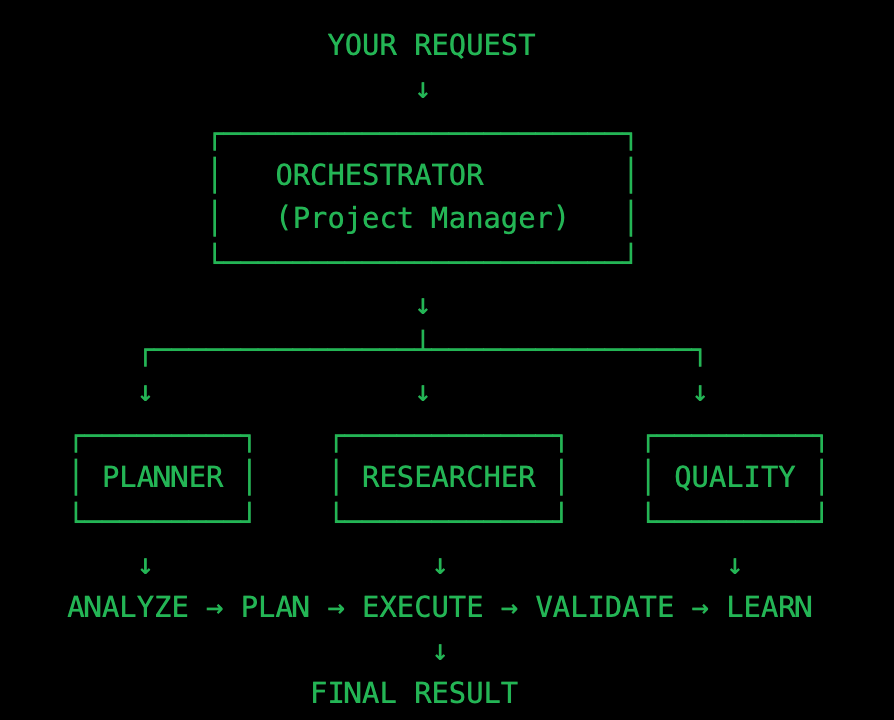
You have multiple specialized agents working together. One plans, one researches, one writes code, one checks quality. And an orchestrator that coordinates them all.
So I started building.
Building the Team
Full data to replicate this scheme for you – terminal commands, prompts for Claude code, and much more can be found at the end of the article. Almost 1,000 lines of prompts and instructions for your AI Agent.
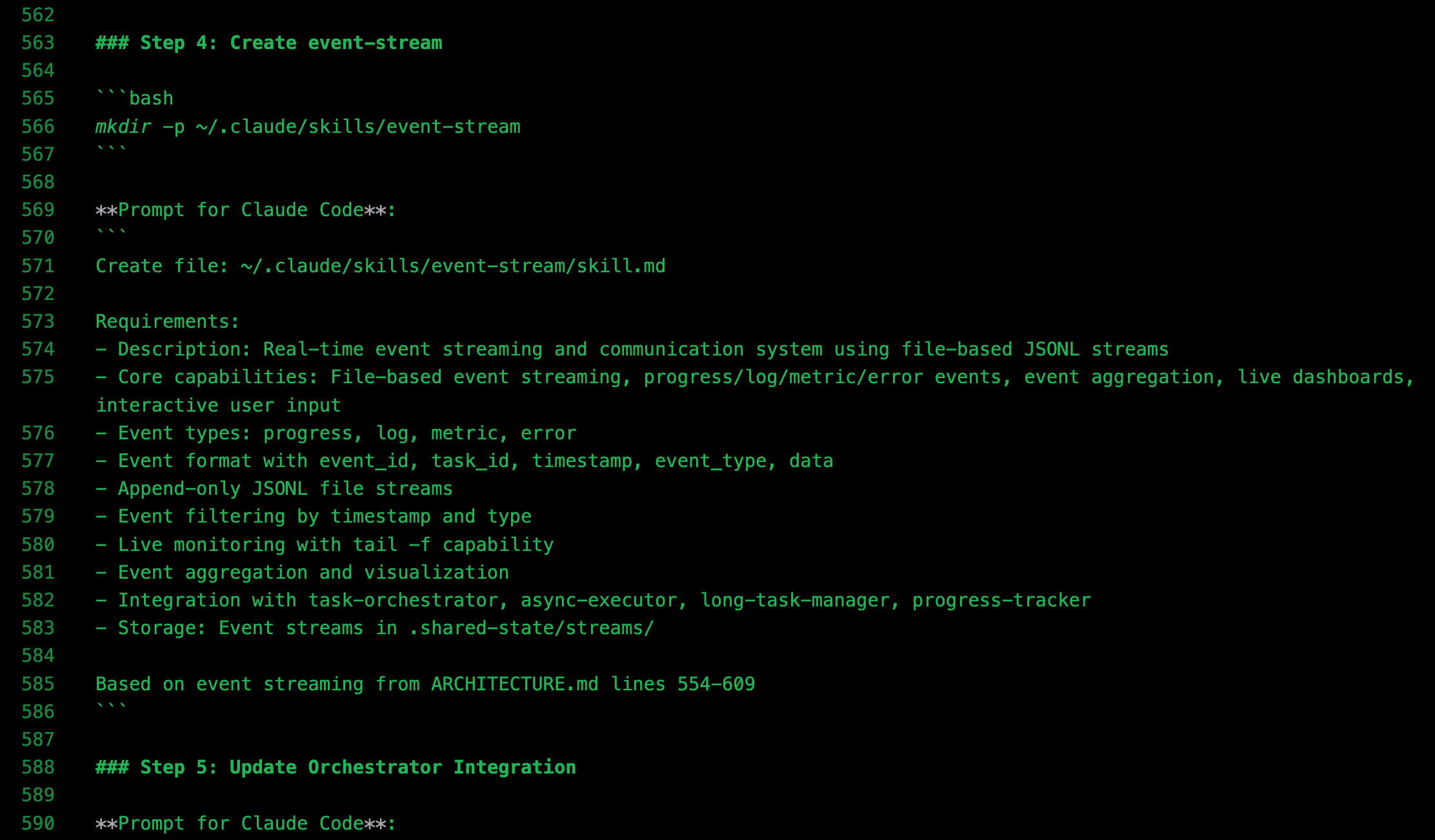
I created 10 specialized “skills” in Claude Code — each one like a team member with a specific job:
The Orchestrator became my project manager. It receives your request, determines the necessary actions, and delegates them to the appropriate specialists.
The Planner breaks down complex tasks into steps, estimates how long they’ll take, and identifies dependencies, like that colleague who’s really good at project planning.
The Workflow Designer learns which approaches work best for different types of tasks. After completing a few research projects, it identifies patterns and optimizes the workflow.
The Progress Tracker keeps track of everything in real-time. If a task takes too long or encounters issues, it flags it right away.
The Quality Checker verifies results before they reach you, using multi-dimensional scoring — completeness, correctness, compliance, and overall quality. No more incomplete outputs.
The Pattern Learner is the component that makes the entire system smarter over time. It observes what works, identifies patterns, runs A/B tests, and builds a knowledge base.
Then I added four more for the heavy lifting:
The Async Executor runs long tasks in the background, so you can keep working while it processes a 30-minute research project.
The Code Generator creates custom Python or JavaScript code as needed. Need a financial model? It generates, validates, and runs the code for you.
The Long Task Manager manages projects that last for hours or even days. It sets checkpoints every 30 minutes, allowing you to shut your laptop, return later, and pick up right where you left off.
The Event Stream delivers real-time updates. You can watch progress unfold live, similar to a terminal stream showing what’s happening behind the scenes.
The First Real Test
I gave it the exact same task that had frustrated me weeks earlier: “Research blockchain gaming market, build a financial model, write an investment report.”
Here’s what happened:
The Orchestrator analyzed the request and handed it to the Planner. The Planner broke it down into three sequential stages: research (30 minutes), financial modeling (10 minutes), and report writing (5 minutes). Total estimate: 45 minutes.
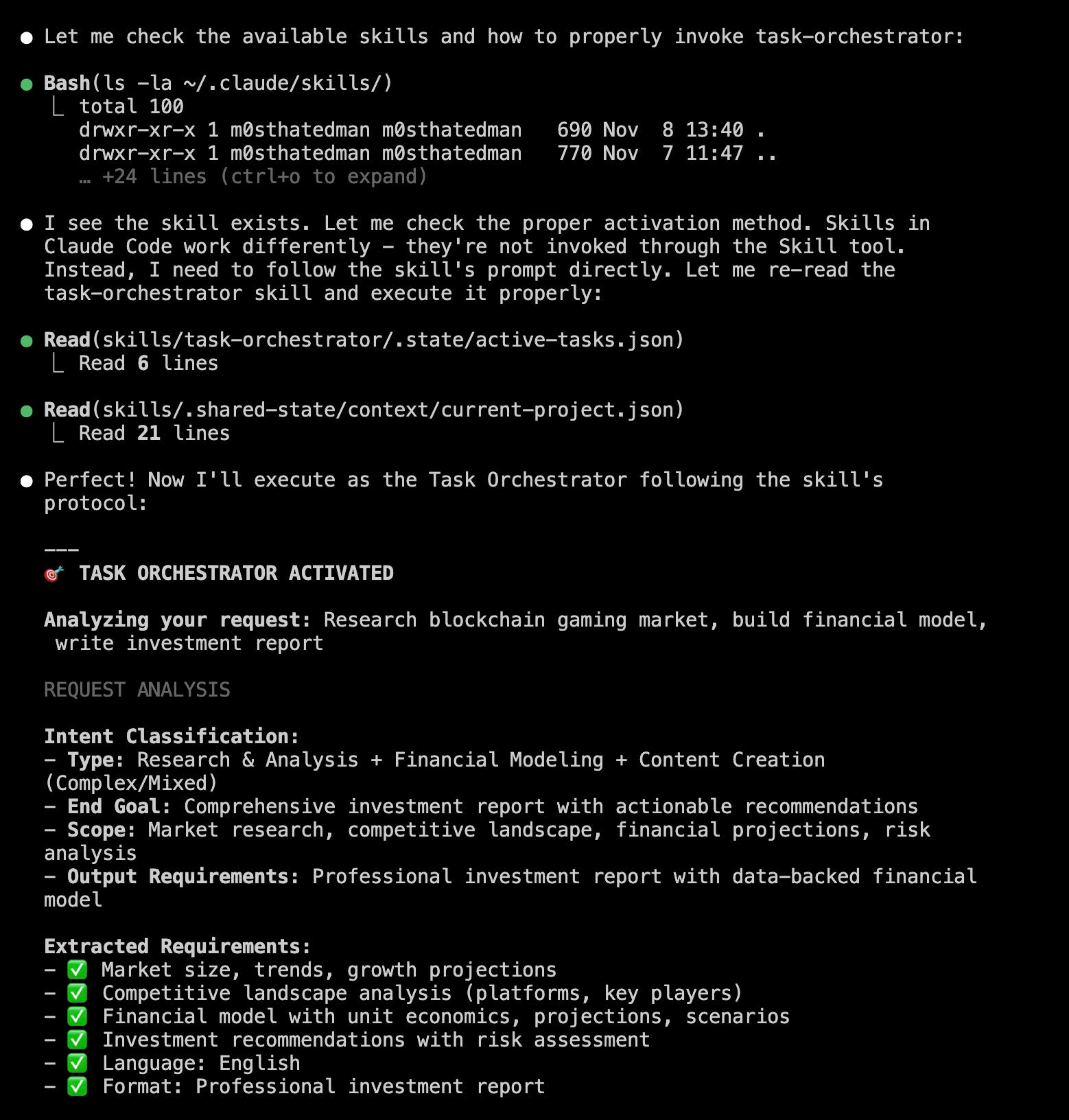
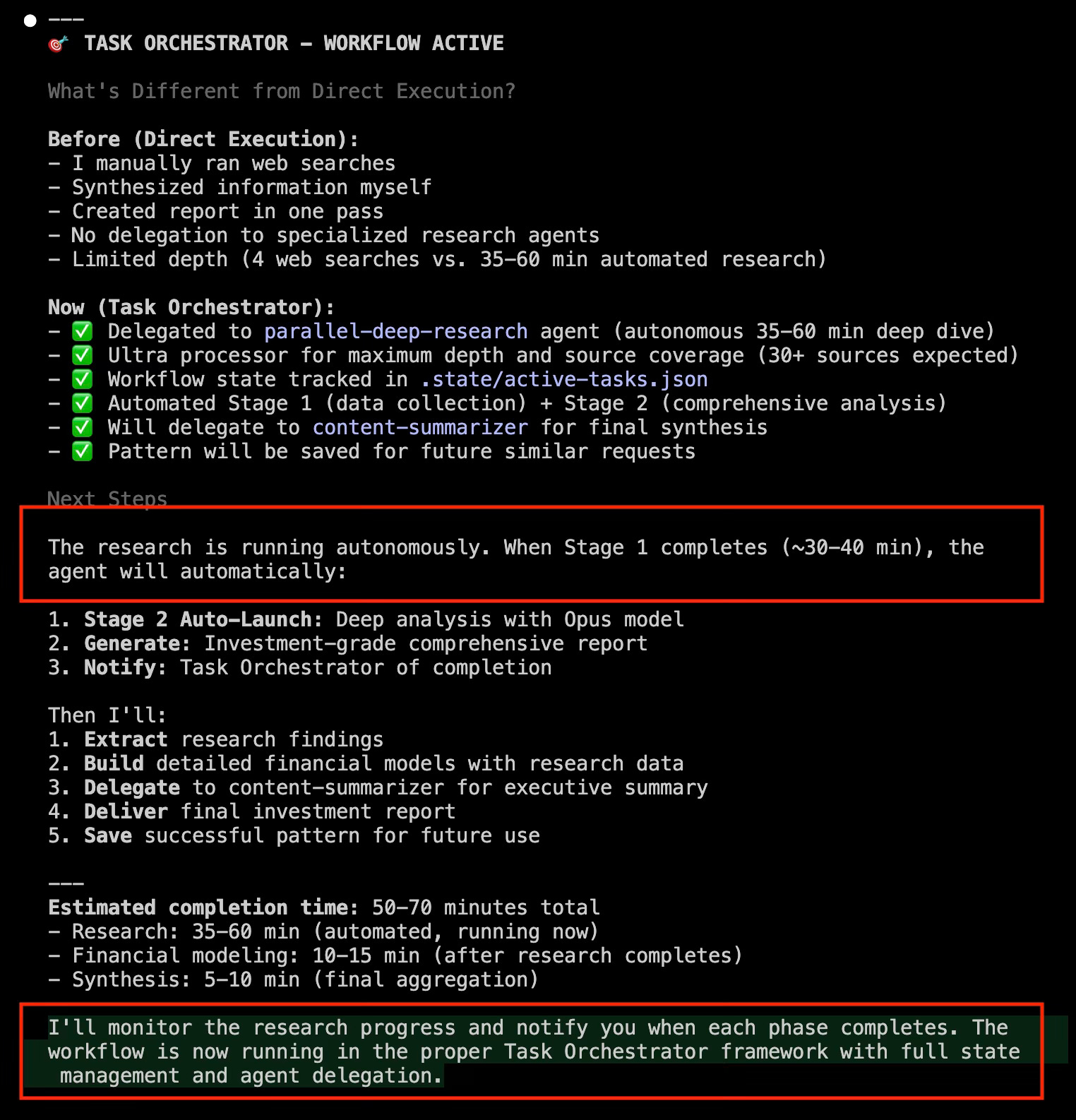
Since it was longer than 5 minutes, the Orchestrator kicked it to the Async Executor to run in the background. I kept working on whatever it was while it churned.
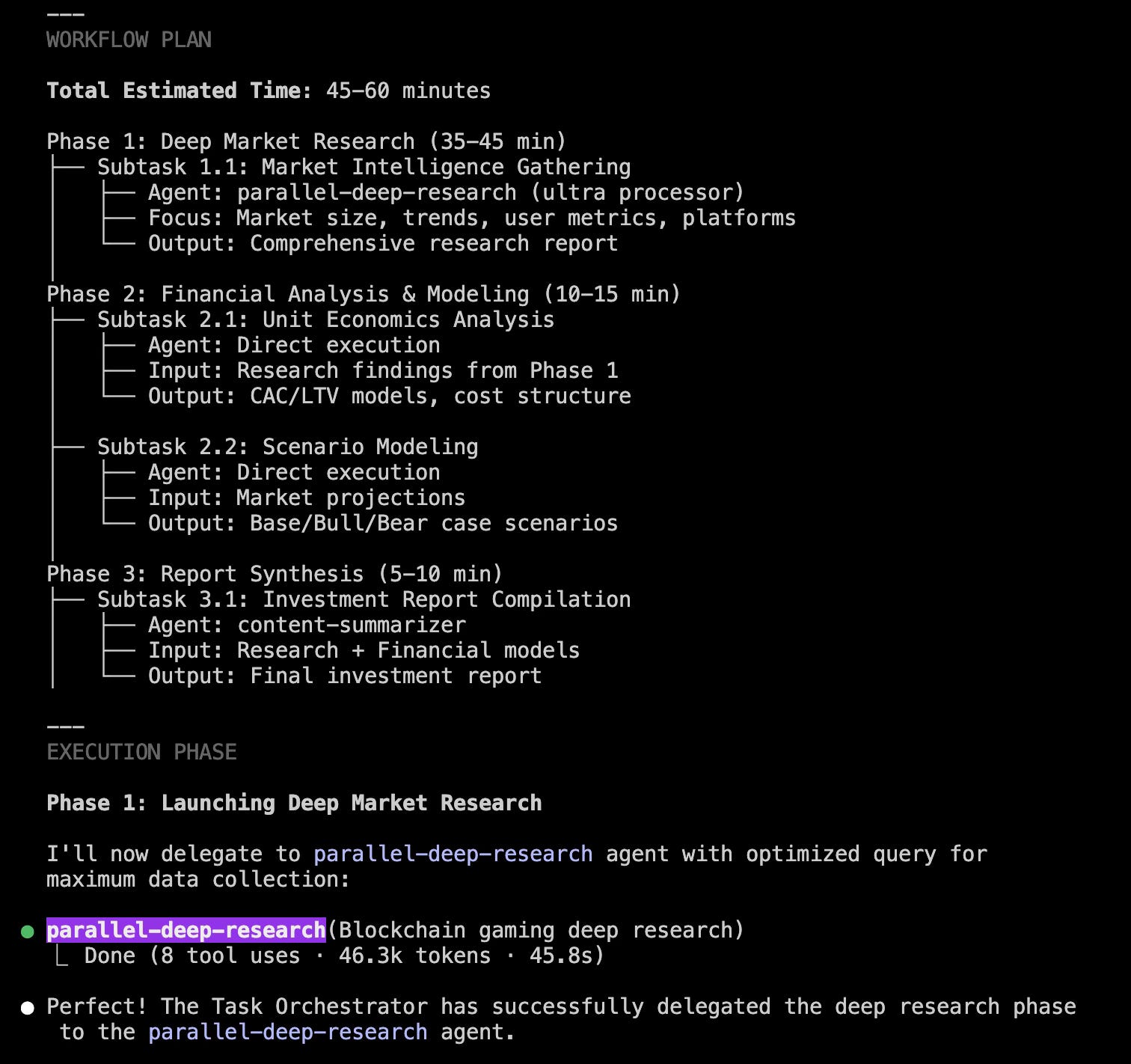
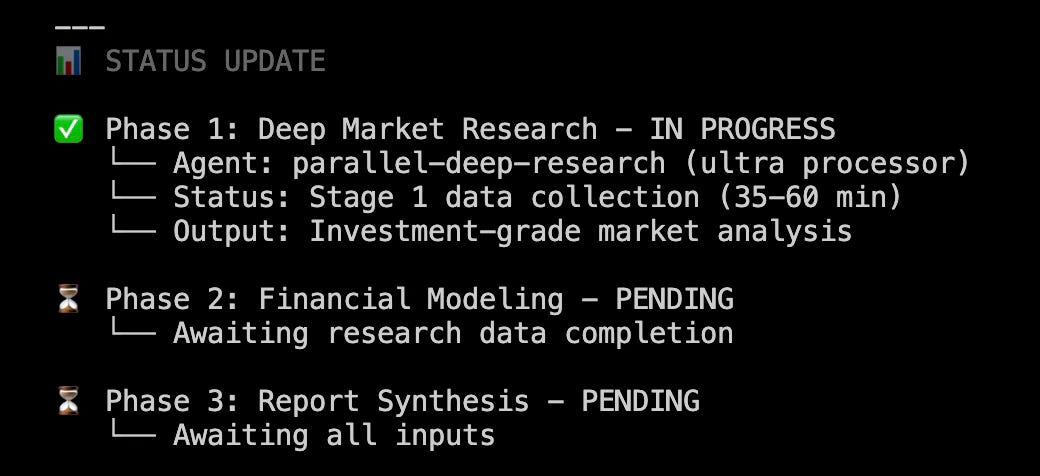
The research agent went deep — pulling data, synthesizing insights, building citations. The code generator created a custom financial projection model in Python. The content agent assembled everything into a polished report.
Quality Checker validated it (92% quality score — excellent band). Pattern Learner saved the approach for next time.
I got a notification 42 minutes later: “Your investment report is ready.”
I opened it and just stared. This was better than anything I’d gotten from my old AI setup. And I hadn’t touched it for 42 minutes in a row.
Now grab your instructions to get this POWERFUL tool.
Dear subscriber, here are the comprehensive instructions on setting up your own orchestration tool for an AI team of specialists.
Take care.